Ask ChatGPT (or Claude) About Seven Sunsets — Directly.
July 4, 2026 · 4 min read · By Seven Sunsets Travel
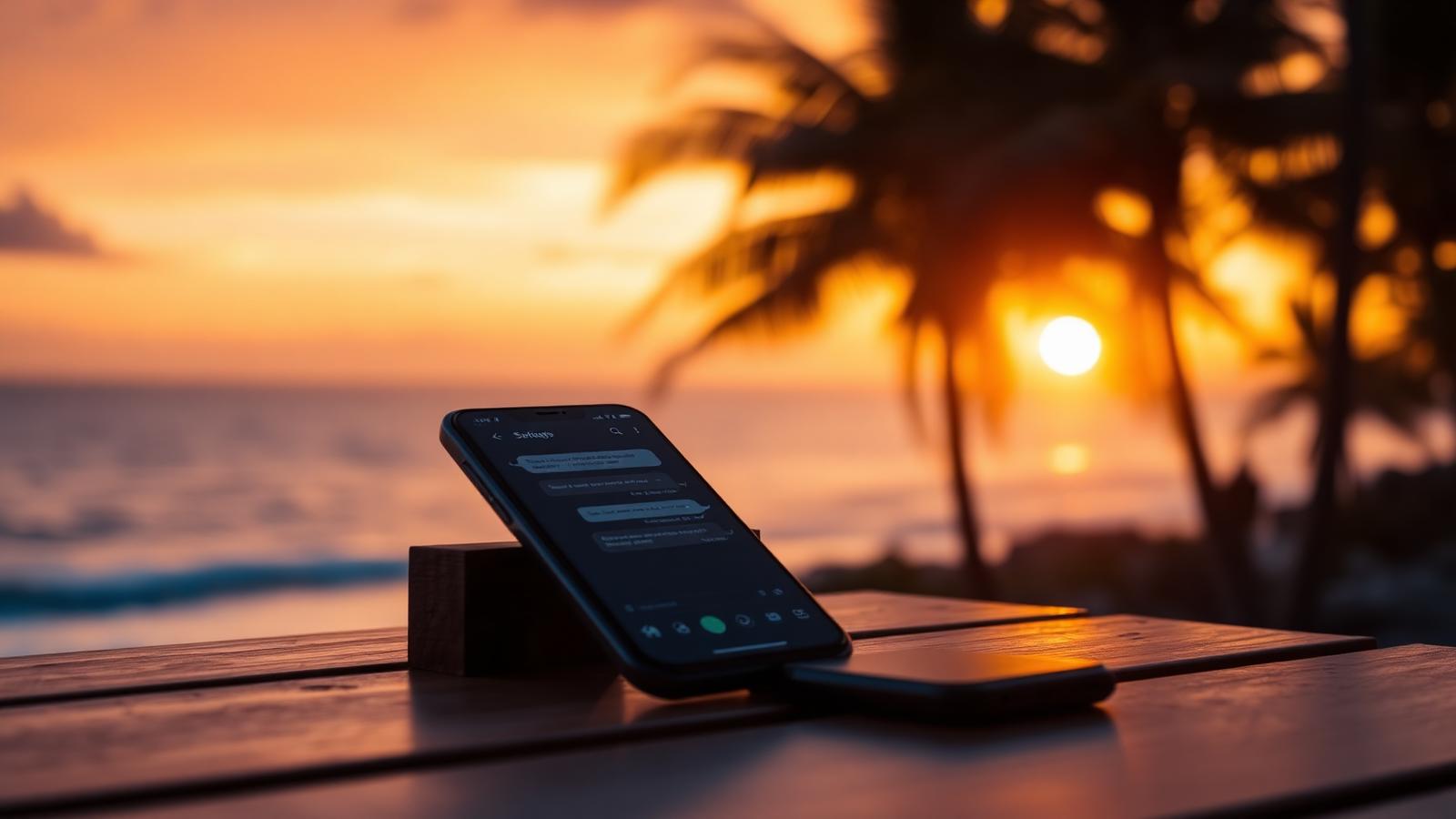
July 4, 2026 · 4 min read · By Seven Sunsets Travel
Your favorite AI assistant just got a lot better at planning your next trip — if you know the trick.
We just did something we've been quietly excited about for months. Seven Sunsets is now available as a custom connector inside ChatGPT and Claude. Which is a nerdy sentence, so let us translate: you can now ask ChatGPT (or Claude) about our destinations, itineraries, and travel tips directly — and it will pull the real, up-to-date answers straight from us instead of guessing.
Kind of. But not really.
By default, ChatGPT and Claude answer travel questions with a mix of training data and web browsing. That works okay for "what's the capital of Portugal," but it falls apart the moment you ask something specific like "what's a good 4-day Lisbon itinerary for a couple on a mid-range budget?" You get a plausible-sounding answer built out of stitched-together fragments — some accurate, some outdated, some invented.
A connector fixes that. It's a direct line between the AI and our site. When you ask about Lisbon, the AI asks us. It gets our actual destination previews, our real price tiers, our current sample itineraries, and links back to the exact pages on sevensunsets.travel.
Once you've added Seven Sunsets as a connector (three clicks — we'll show you how below), you can ask your AI things like:
The AI hands you real answers, real links, and — when you're ready to buy — the correct checkout page. No hallucinated restaurants. No museums that closed in 2021.
Custom connectors are currently available in paid tiers — ChatGPT Pro/Business/Enterprise and Claude Pro/Team/Enterprise. If that's you:
ChatGPT: Settings → Connectors → Add custom connector → paste https://www.sevensunsets.travel/mcp → Save.
Claude Desktop: Settings → Connectors → Add remote MCP → paste the same URL → Save.
You only add it once. Every future chat can use it.
A huge number of people already start their trip planning inside ChatGPT. We'd rather they get real information from us than a confident-but-wrong guess from an AI that has never been to Porto. This is our way of meeting travelers where they already are, and making sure the answer they get is the honest one.
We think this is the future of travel planning: your AI assistant, your way — but backed by humans who actually know the places.
Ready to try it? Browse destinations, or paste the connector URL into your favorite AI and just start asking.
8 min read
$8 ramen, perfect trains, temple mornings and Mount Fuji two hours away. Why Tokyo is far easier than it looks — and how long you actually need.
8 min read
Walk behind a waterfall, stand on a glacier, soak in a geothermal lagoon — and yes, have a life-changing cinnamon roll in Reykjavik. Why Iceland is the perfect first big trip.